
How to Use DISM Commands to Repair Windows 11 System Images
DISM is often used alongside the SFC (System File Checker) to resolve various system problems. Here’s the correct way of running DISM commands to repair Windows 11 System Images.
Run Command Prompt As an Administrator
All commands listed in the article are required to be executed on an elevated Command Prompt.
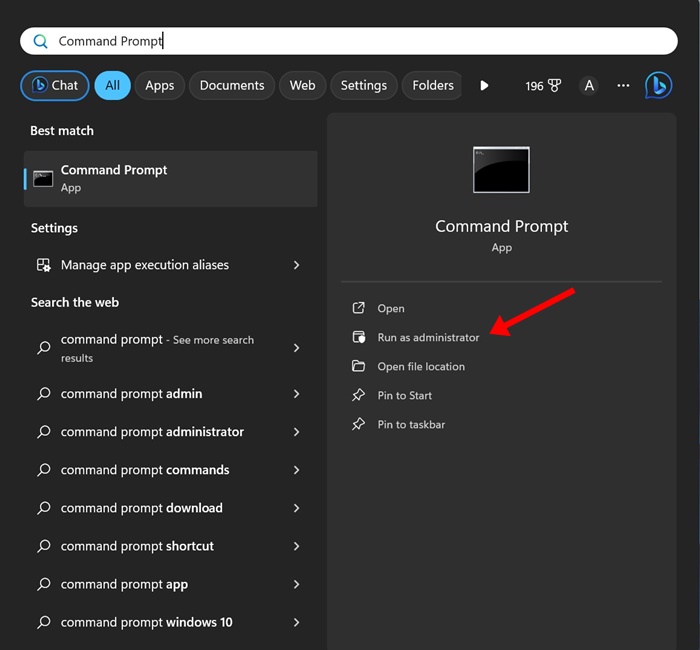
1. Type in Command Prompt on the Windows 11 Search.
2. Right-click on the Command Prompt and select Run as administrator.
1. Check the File Integrity
If you’re not running the DISM tool alongside SFC, check the file integrity first. This will tell you if there are any issues with the current Windows image.
Check Health
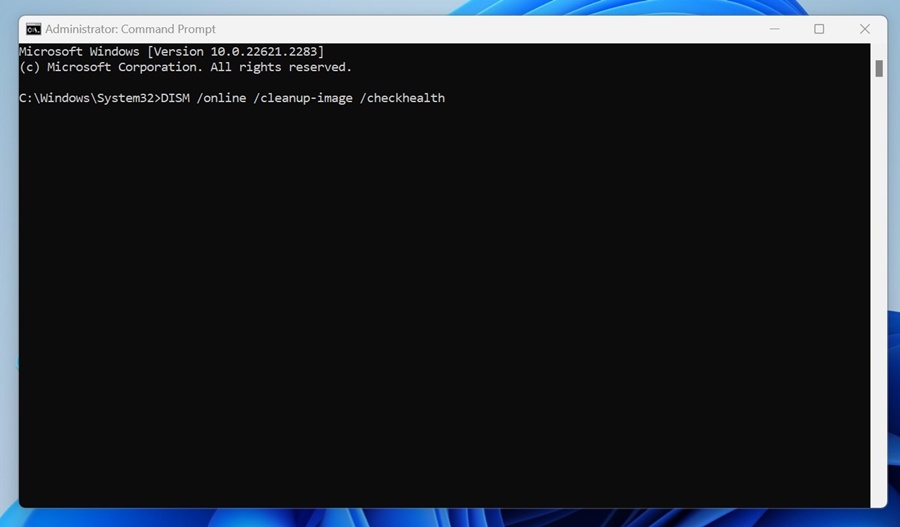
This command checks the health of the current Windows image. This will run a quick scan to determine whether the Windows image is repairable.
DISM /online /cleanup-image /checkhealth
Scan Health
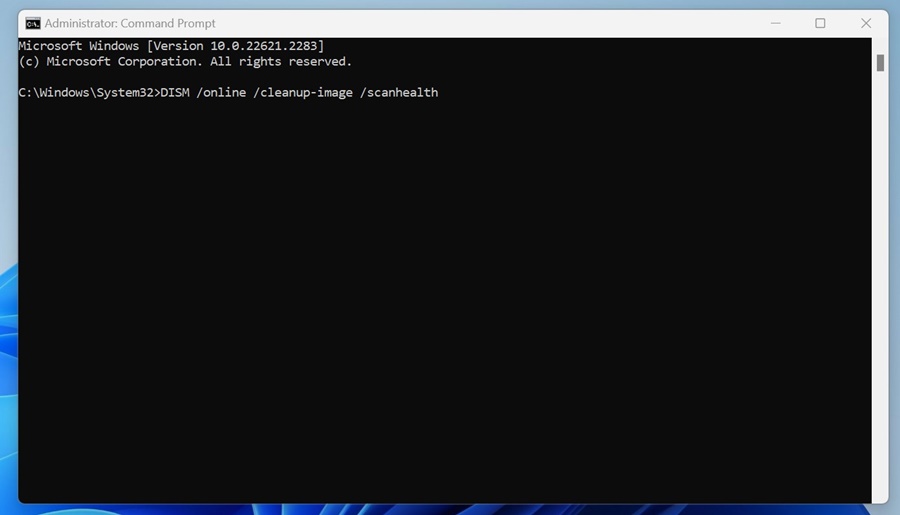
This command will not fix errors or problems, but check for system file corruption. You need to run it on an elevated command prompt.
DISM /online /cleanup-image /scanhealth
2. Repair the Corrupted System Files
After executing the two commands, if the DISM tool returns a list of any corrupt or missing system files, you need to repair them.
If your PC is connected to the internet, execute this command on the Command Prompt.
DISM /Online /Cleanup-Image /RestoreHealth
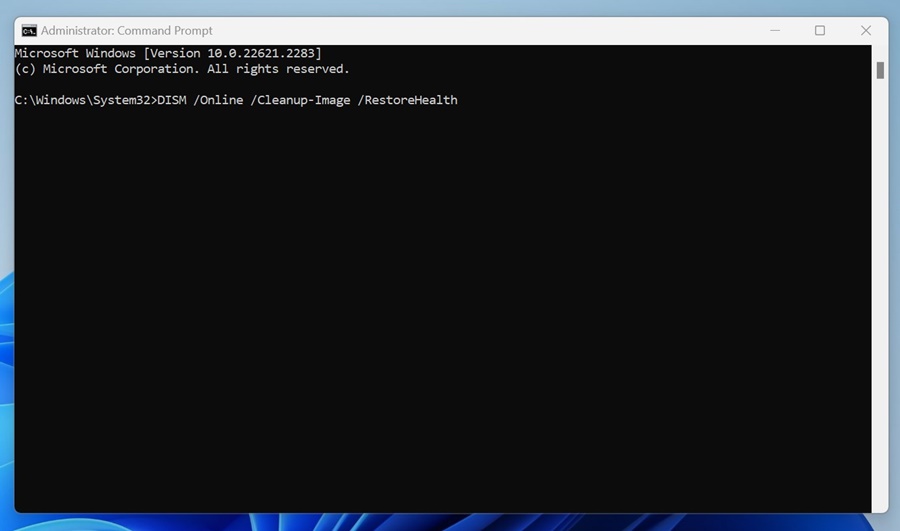
The command may take a while to complete, so do not close the Command Prompt utility. It will run the scan and connect to the Windows Update service to download & replace the corrupt files.
Repair the Corrupted System Files Manually
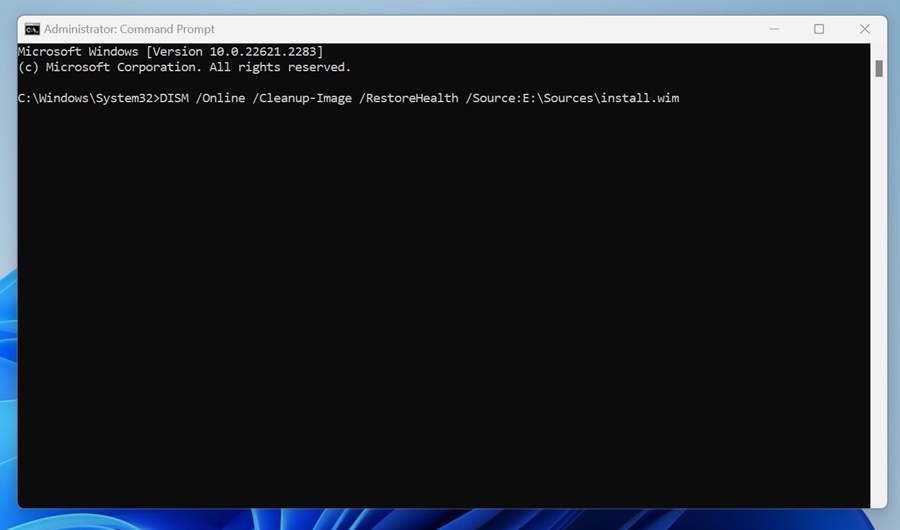
There’s a modified version of the above command to repair the image. To repair your System image offline, grab the Windows 11 ISO file and mount it as a virtual drive. Once done, execute this command:
DISM /Online /Cleanup-Image /RestoreHealth /Source:E:\Sources\install.wim
Important: In the command, replace ‘E’ with the ISO mount point drive letter. You can check the mount point drive in the Windows 11 File Explorer.
Prevent the DISM tool from using Windows Update as a Repair Source
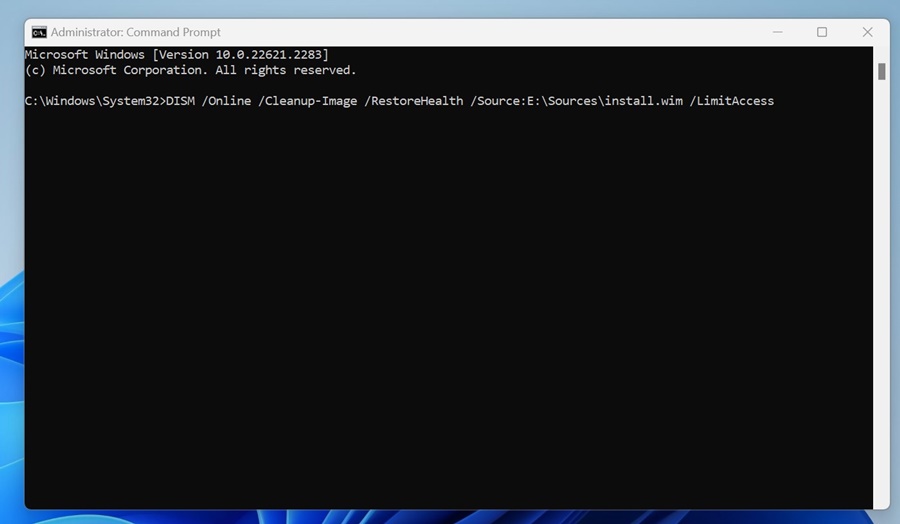
The DISM tool can attempt to repair the system image from your source instead of Windows Update. An alternate variant of the command can prevent the DISM tool from using Windows Update as a repair source or as a backup repair source for online images.
DISM /Online /Cleanup-Image /RestoreHealth /Source:E:\Sources\install.wim /LimitAccess
The command will limit the use of Windows Update.
This guide explains how to use DISM commands to repair Windows 11 system images. DISM is a great tool because it makes finding and replacing corrupt system files and Windows Images easy.
The post How to Use DISM Commands to Repair Windows 11 System Images appeared first on TechViral.
ethical hacking,hacking,bangla ethical hacking,bangla hacking tutorial,bangla tutorial,bangla hacking book,ethical hacking bangla,bangla,hacking apps,ethical hacking bangla tutorial,bangla hacking,bangla hacking pdf,bangla hacking video,bangla android hacking,bangla hacking tutorials,bangla fb hacking tutorial,bangla hacking book download,learn ethical hacking,hacking ebook,hacking tools,bangla ethical hacking course, tricks,hacking,ludo king tricks,whatsapp hacking trick 2019 tricks,wifi hacking tricks,hacking tricks: secret google tricks,simple hacking tricks,whatsapp hacking tricks,tips and tricks,wifi tricks,tech tricks,redmi tricks,hacking trick paytm cash,hacking trick helo app,hacking trick of helo app,paytm cash hacking trick,wifi password hacking,paytm cash hacking trick malayalam,hacker tricks, tips and tricks,pubg mobile tips and tricks,tricks,tips,tips and tricks for pubg mobile,100 tips and tricks,pubg tips and tricks,excel tips and tricks,google tips and tricks,kitchen tips and tricks,season 2 tips and tricks,android tips and tricks,fortnite tips and tricks,godnixon tips and tricks,free fire tips and tricks,advanced tips and tricks,whatsapp tips and tricks, facebook tricks,facebook,facebook hidden tricks,facebook tips and tricks,facebook latest tricks,facebook tips,facebook new tricks,facebook messenger tricks,facebook android app tricks,fb tricks,facebook app tricks,facebook tricks and tips,facebook tricks in hindi,tricks,facebook tutorial,new facebook tricks,cool facebook tricks,facebook tricks 2016,facebook tricks 2017,facebook secret tricks,facebook new tricks 2020,blogger blogspot seo tips and tricks,blogger tricks,blogger,blogger seo tips,blogger seo tips and tricks,seo for blogger,blogger seo in hindi,blogger seo best tips for increasing visitors,blogging tips and tricks,blogger blog seo,blogger seo in urdu,adsense approval trick,blogging tips and tricks for beginners,blogging tricks,blogger tutorial,blogger tricks 2016,blogger tricks 2017 bangla,tricks,bangla tutorial,bangla magic,bangla motivational video,bangla tricks,bangla tips,all bangla tips,magic tricks,akash bangla tricks,top 10 bangla tricks,tips and tricks,all bangla trick,bangla computer tricks,computer bangla tricks,bangla magic card tricks,ms word bangla tips and tricks,bangla computer tips,trick,psychology tricks,youtube bangla,magic tricks bangla,si trick Credit techviral


