
How to Access Clipboard on iPhone
Even though there’s no native way to find a clipboard, that doesn’t mean you can’t bring the clipboard history feature to your iPhone. There are a few workarounds that manage to bring a clipboard to an iPhone, but they require the use of a custom shortcut or a third-party app. Here are some of the best ways to find clipboard history on iPhone.
1. Use the Apple Notes App to See Clipboard
The easiest way to access the copied content on an iPhone is to use the Notes app.
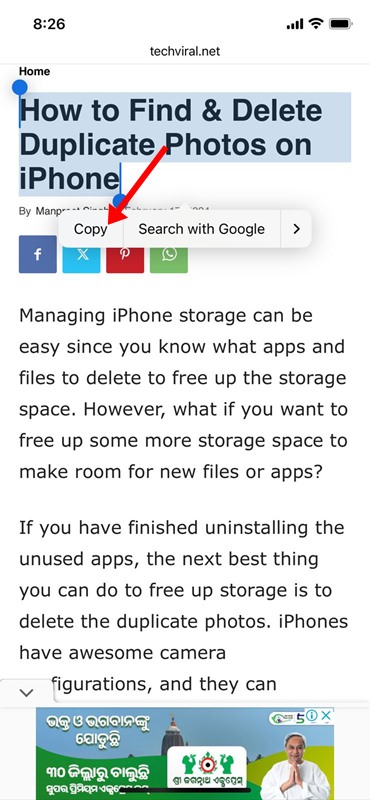
1. Make sure you have the content copied to the clipboard. To test the feature, you need to copy any text content.
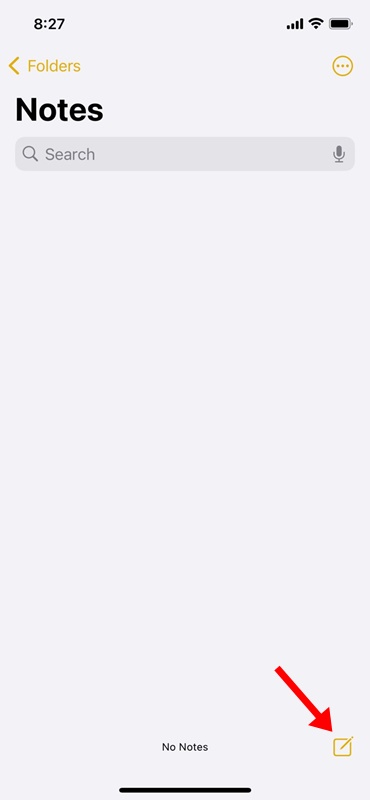
2. Open the Notes app on your iPhone.
3. Tap the Pencil icon at the bottom-right corner.
4. Long-press on the newly opened note and tap Paste.
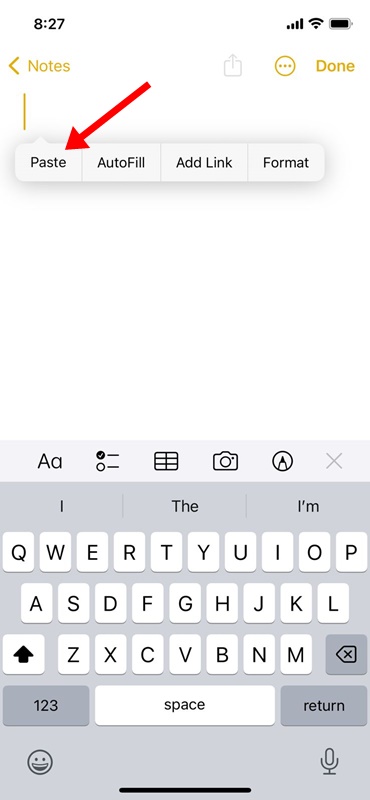
5. The content available on the clipboard will be pasted into the Notes.
6. Tap the Done button at the top right corner.

2. Find iPhone Clipboard using the Shortcuts App
The Shortcuts app for iPhone already has a shortcut for viewing the content stored on the iPhone’s keyboard. Instead of using the Notes app, you can just run the Clipboard Shortcut to view the item you’ve copied.
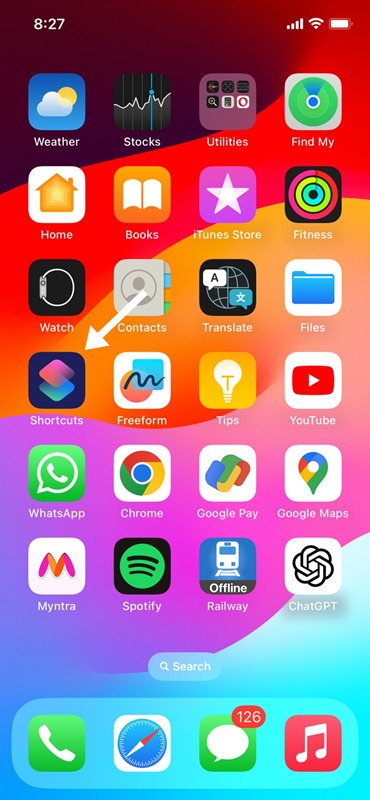
1. Open the Shortcuts app.
2. Tap on the Gallery icon.

3. Type in Adjust Clipboard in the search field. In the list of shortcuts available, tap on the (+) icon on Adjust Clipboard.

4. Switch to the Shortcuts tab at the bottom. On the Shortcuts screen, tap on My Shortcuts.
5. To view your clipboard content, tap the Adjust Shortcut.
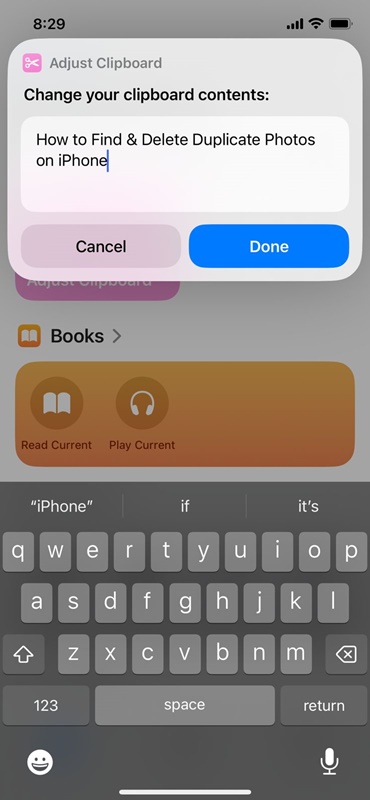
The shortcut will run and show the content stored on your iPhone’s clipboard. However, the problem with this is that you will have to adjust the ‘Adjust Clipboard’ shortcut every time you want to view the content of your clipboard.
3. Use the Paste App to View Clipboard History on iPhone
Paste is a third-party iPhone clipboard manager app available on the Apple App Store. The app lets you view all your clipboard contents.
1. Download & install the Paste app.
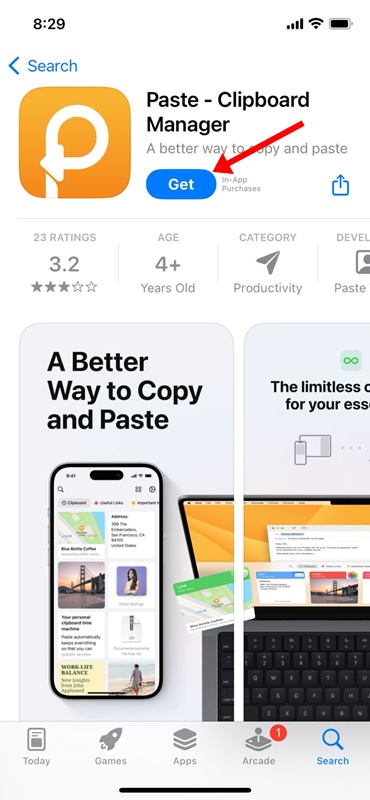
2. Once installed, open the app.

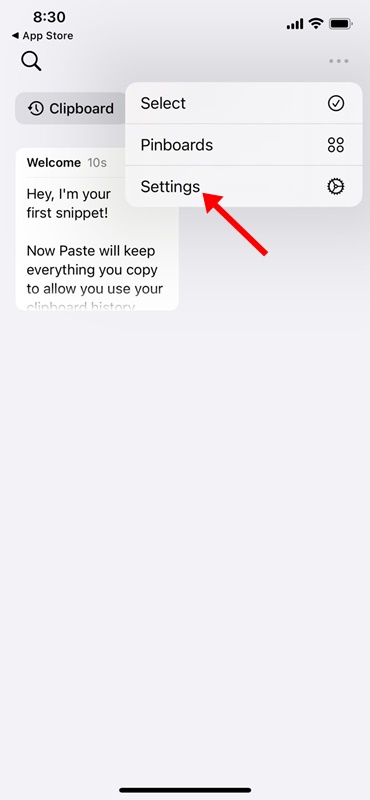
3. Reach the main screen of the app. Tap the three dots.

4. On the menu that appears, select Settings.
5. In the Collect Clipboard contents section, enable the toggle for ‘When app becomes active’ and ‘When Keyboard becomes active’.

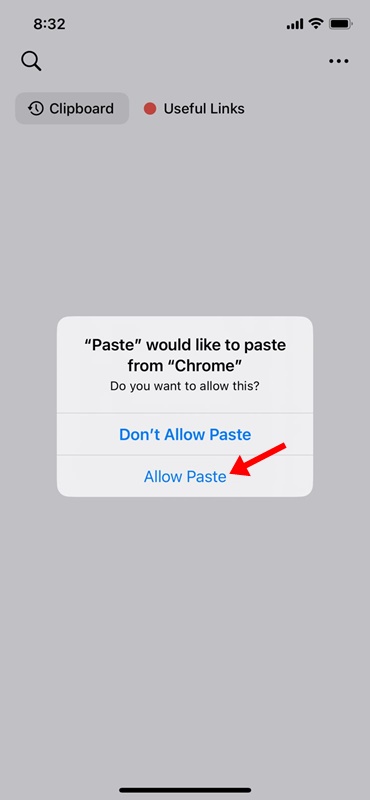
6. If you’re using the app for the first time, you must allow the Paste app to read the content from the app that saves content to your iPhone’s clipboard.
7. For example, I have copied text content using the Google Chrome app. I will open the Paste app and allow the app to paste from Google Chrome. You need to grant the permission only once.
8. To access the Clipboard history, open the Paste app. On the Pinboards, tap on the Clipboard History. Now, you will see the text content you copied from various apps.
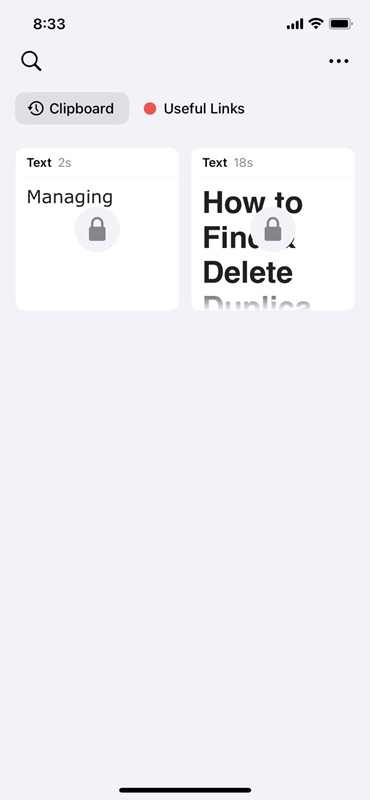
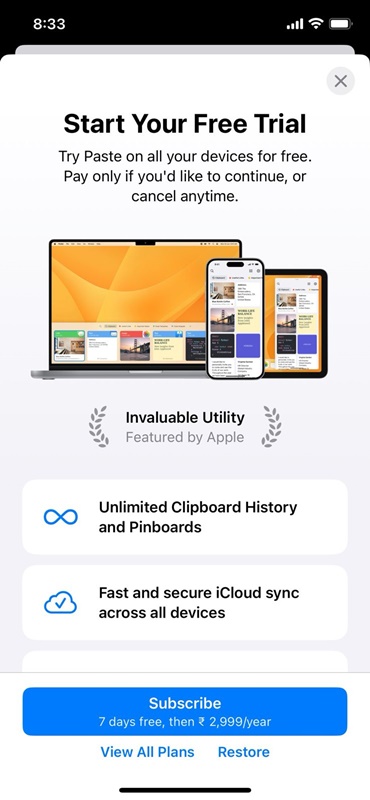
9. The problem with the Paste app is that it locks your clipboard content and requires a purchase to unlock.
How do I retrieve copied text on my iPhone?
The methods we have shared in the guide, especially the one that requires third-party app installation, work well for retrieving copied text on iPhone. Third-party apps are the best option to retrieve copied text on iPhone, but they have privacy risks.
Since most clipboard manager apps require an associated keyboard to find & save the clipboard history content, this increases the risk of keylogging. So, even if you are considering using a third-party clipboard manager app, download the app from a trusted developer.
That’s all about how to see the clipboard on iPhone. If you need more help accessing the clipboard on iPhone, let us know in the comments. Also, if this article helps you, don’t forget to share it with your friends.
The post How to Access Clipboard on iPhone appeared first on TechViral.
ethical hacking,hacking,bangla ethical hacking,bangla hacking tutorial,bangla tutorial,bangla hacking book,ethical hacking bangla,bangla,hacking apps,ethical hacking bangla tutorial,bangla hacking,bangla hacking pdf,bangla hacking video,bangla android hacking,bangla hacking tutorials,bangla fb hacking tutorial,bangla hacking book download,learn ethical hacking,hacking ebook,hacking tools,bangla ethical hacking course, tricks,hacking,ludo king tricks,whatsapp hacking trick 2019 tricks,wifi hacking tricks,hacking tricks: secret google tricks,simple hacking tricks,whatsapp hacking tricks,tips and tricks,wifi tricks,tech tricks,redmi tricks,hacking trick paytm cash,hacking trick helo app,hacking trick of helo app,paytm cash hacking trick,wifi password hacking,paytm cash hacking trick malayalam,hacker tricks, tips and tricks,pubg mobile tips and tricks,tricks,tips,tips and tricks for pubg mobile,100 tips and tricks,pubg tips and tricks,excel tips and tricks,google tips and tricks,kitchen tips and tricks,season 2 tips and tricks,android tips and tricks,fortnite tips and tricks,godnixon tips and tricks,free fire tips and tricks,advanced tips and tricks,whatsapp tips and tricks, facebook tricks,facebook,facebook hidden tricks,facebook tips and tricks,facebook latest tricks,facebook tips,facebook new tricks,facebook messenger tricks,facebook android app tricks,fb tricks,facebook app tricks,facebook tricks and tips,facebook tricks in hindi,tricks,facebook tutorial,new facebook tricks,cool facebook tricks,facebook tricks 2016,facebook tricks 2017,facebook secret tricks,facebook new tricks 2020,blogger blogspot seo tips and tricks,blogger tricks,blogger,blogger seo tips,blogger seo tips and tricks,seo for blogger,blogger seo in hindi,blogger seo best tips for increasing visitors,blogging tips and tricks,blogger blog seo,blogger seo in urdu,adsense approval trick,blogging tips and tricks for beginners,blogging tricks,blogger tutorial,blogger tricks 2016,blogger tricks 2017 bangla,tricks,bangla tutorial,bangla magic,bangla motivational video,bangla tricks,bangla tips,all bangla tips,magic tricks,akash bangla tricks,top 10 bangla tricks,tips and tricks,all bangla trick,bangla computer tricks,computer bangla tricks,bangla magic card tricks,ms word bangla tips and tricks,bangla computer tips,trick,psychology tricks,youtube bangla,magic tricks bangla,si trick Credit techviral


