
How to Download & Install Tor Browser on Windows
Experts recommend using VPN apps, anonymous browsers, web tracker blockers, ad blockers, and more to address security and privacy issues. However, what if you can’t afford to have all these things in one place? The best way to address such issues is to use the Tor Browser.
What is TOR?
Tor, or The Onion Router, is a computer network run by volunteers worldwide. Each volunteer runs a relay, which is just a computer running the software, allowing users worldwide to connect via the TOR network.
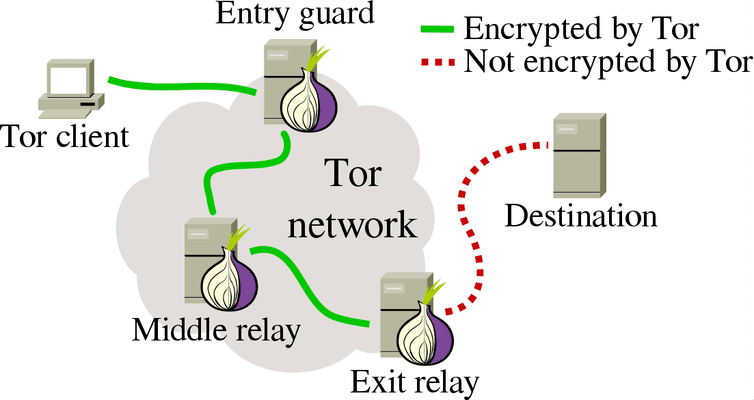
Before connecting you to the web, the TOR Network connects to several relays that delete all the footprints. The Tor Browser routes all your internet traffic through its network to make you completely anonymous.
It’s also a very private web browser since it automatically eliminates third-party trackers and ads to provide a better browsing experience.
What is Tor Browser?
Tor Browser is a modified version of Mozilla Firefox. It is available for Windows, macOS, Linux, and Android and can be downloaded for free. With TOR Browser, you can protect yourself against tracking, surveillance, and censorship.
What’s more useful is that Tor Browser removes the browsing history and cookies every time you close the application.
How to Download Tor Browser
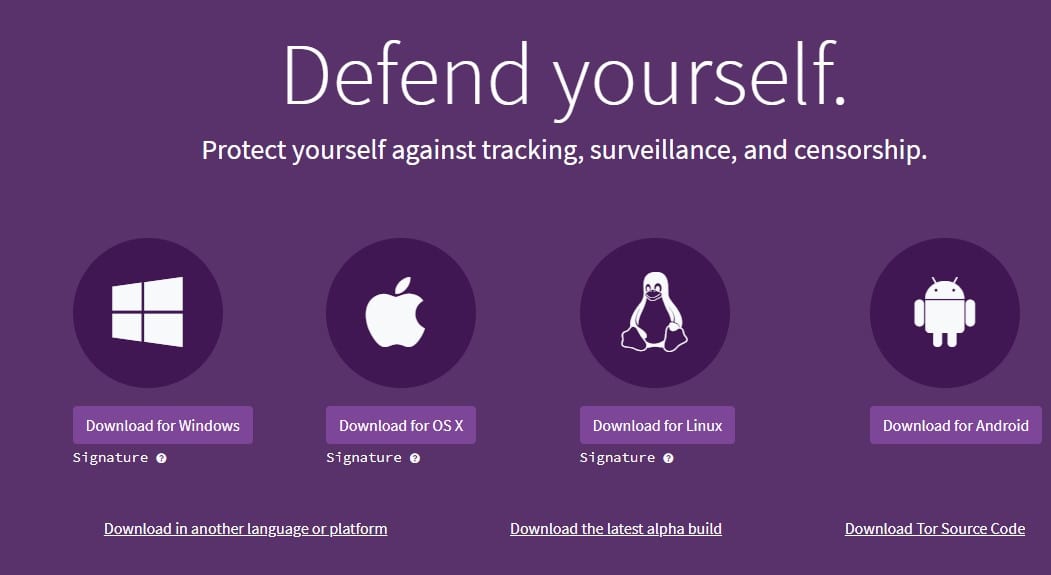
Many websites on the internet claim to provide the Tor browser. However, not every website is safe. In the past, many fake Tor Browsers were found mining Bitcoin on PCs.
We recommend you stick with the Tor Project webpage to download Tor Browser for Windows, macOS, Android, or Linux. The download link below will take you to the official Tor website.
How to Install Tor Browser on Windows?
The installation part is going to be super easy. Just follow these simple steps.
1. Head to this webpage and download the Tor Browser for Windows.
2. Open the installer file and choose the installation language.
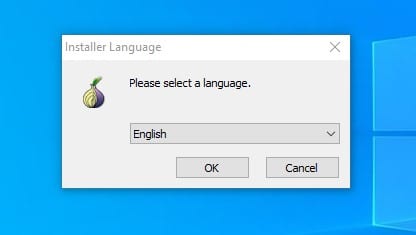
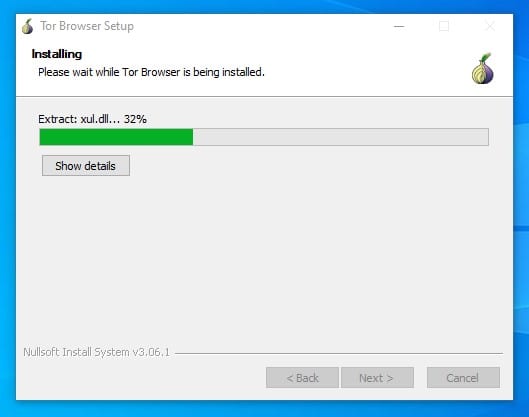
3. Select where you want to install the Tor Browser and wait until the installation completes.
4. If you are connecting from a private network, click on Configure and set up Tor Network. If you have no prior knowledge, click Connect.
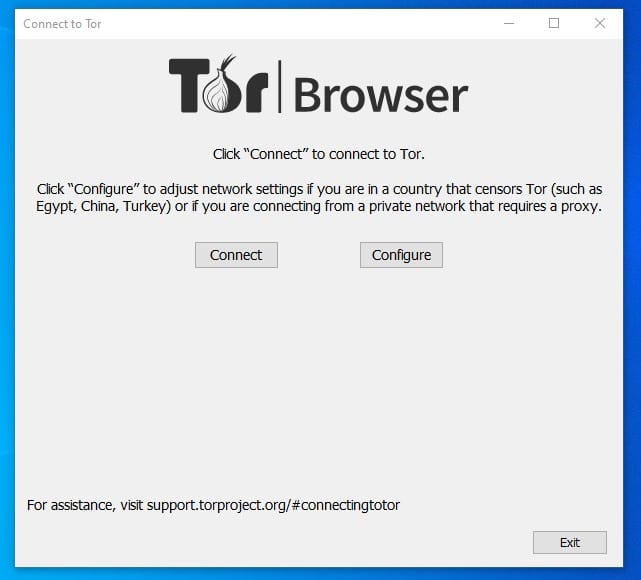
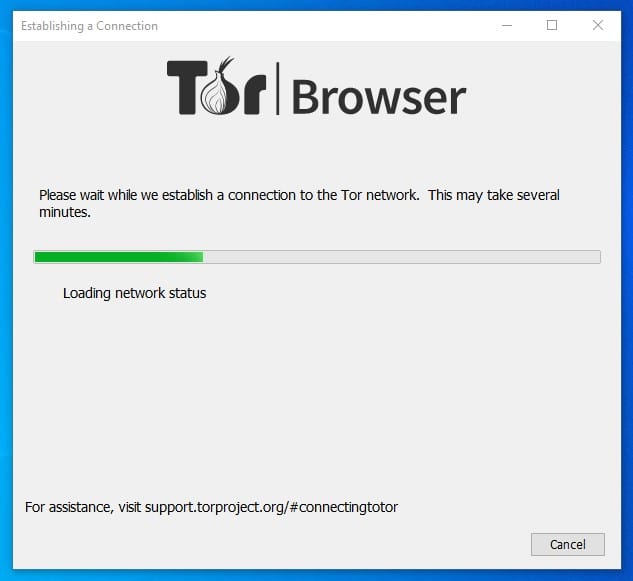
5. Wait a few seconds until the Tor Browser connects to the Tor Network.
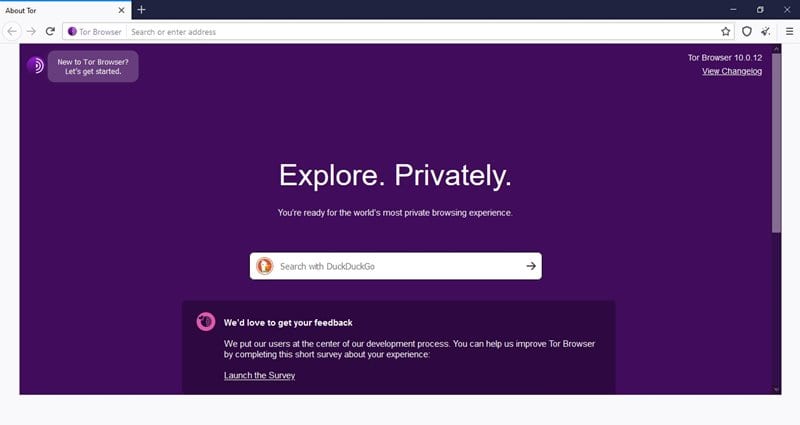
6. You will find a regular Firefox browser. You can surf the internet anonymously.
Note: Since the TOR Network connects to several different relays, it slows down your internet. Slow internet speed is one of the common issues with the Tor Browser.
Frequently Asked Questions:
Can You Use Tor Browser on Windows?
Yes, of course! The method we have shared lets you download and use the Tor browser on Windows. The web browser is free to download and use on a PC.
How do I set up Tor Browser on my PC?
It’s a bit complicated to set up Tor Browser. You can make lots of changes to make your PC more anonymous by visiting the Tor Browser’s Preferences settings.
Can Tor Browser be tracked?
While the Tor Browser is supposed to hide your browsing activity and location, your ISP can still see that you’re using Tor if you haven’t configured it correctly. Also, the browser leaves a track on the Windows Event Log.
Is Tor safe to use?
The Tor browser is generally safe to download and use. It’s mainly used by those who want to hide their IP Addresses and avoid leaving any traces behind.
Is Tor safer than a VPN?
If you know how to configure the Tor browser, it can provide better online privacy and anonymity than a VPN.
I hope this article helped you! Please share it with your friends, too. If you have any doubts, let us know in the comment box below.
The post How to Download & Install Tor Browser on Windows appeared first on TechViral.
ethical hacking,hacking,bangla ethical hacking,bangla hacking tutorial,bangla tutorial,bangla hacking book,ethical hacking bangla,bangla,hacking apps,ethical hacking bangla tutorial,bangla hacking,bangla hacking pdf,bangla hacking video,bangla android hacking,bangla hacking tutorials,bangla fb hacking tutorial,bangla hacking book download,learn ethical hacking,hacking ebook,hacking tools,bangla ethical hacking course, tricks,hacking,ludo king tricks,whatsapp hacking trick 2019 tricks,wifi hacking tricks,hacking tricks: secret google tricks,simple hacking tricks,whatsapp hacking tricks,tips and tricks,wifi tricks,tech tricks,redmi tricks,hacking trick paytm cash,hacking trick helo app,hacking trick of helo app,paytm cash hacking trick,wifi password hacking,paytm cash hacking trick malayalam,hacker tricks, tips and tricks,pubg mobile tips and tricks,tricks,tips,tips and tricks for pubg mobile,100 tips and tricks,pubg tips and tricks,excel tips and tricks,google tips and tricks,kitchen tips and tricks,season 2 tips and tricks,android tips and tricks,fortnite tips and tricks,godnixon tips and tricks,free fire tips and tricks,advanced tips and tricks,whatsapp tips and tricks, facebook tricks,facebook,facebook hidden tricks,facebook tips and tricks,facebook latest tricks,facebook tips,facebook new tricks,facebook messenger tricks,facebook android app tricks,fb tricks,facebook app tricks,facebook tricks and tips,facebook tricks in hindi,tricks,facebook tutorial,new facebook tricks,cool facebook tricks,facebook tricks 2016,facebook tricks 2017,facebook secret tricks,facebook new tricks 2020,blogger blogspot seo tips and tricks,blogger tricks,blogger,blogger seo tips,blogger seo tips and tricks,seo for blogger,blogger seo in hindi,blogger seo best tips for increasing visitors,blogging tips and tricks,blogger blog seo,blogger seo in urdu,adsense approval trick,blogging tips and tricks for beginners,blogging tricks,blogger tutorial,blogger tricks 2016,blogger tricks 2017 bangla,tricks,bangla tutorial,bangla magic,bangla motivational video,bangla tricks,bangla tips,all bangla tips,magic tricks,akash bangla tricks,top 10 bangla tricks,tips and tricks,all bangla trick,bangla computer tricks,computer bangla tricks,bangla magic card tricks,ms word bangla tips and tricks,bangla computer tips,trick,psychology tricks,youtube bangla,magic tricks bangla,si trick Credit techviral


